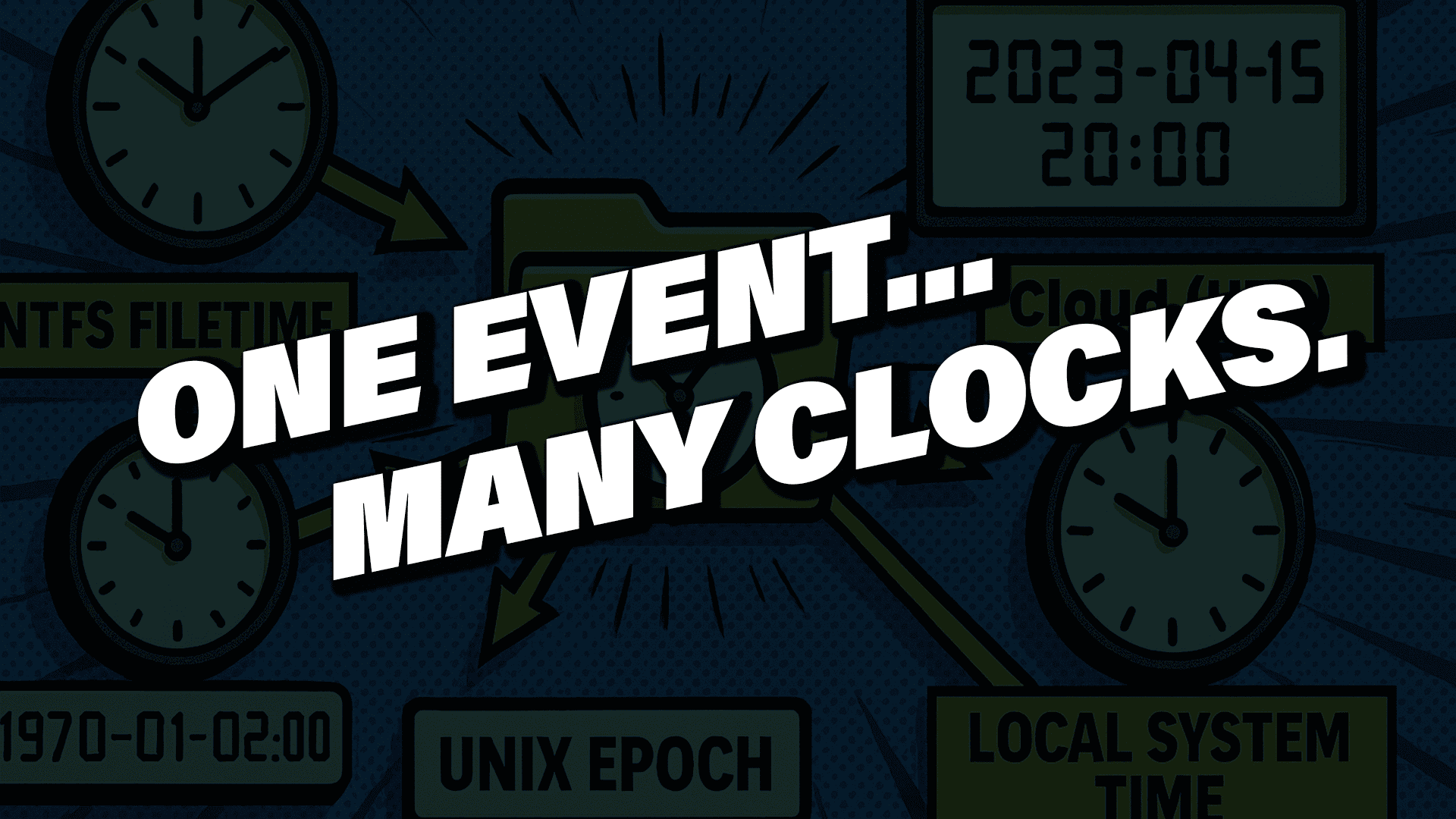
In digital forensics, time is not just metadata—it is evidence. Nearly every action performed by a user or system leaves behind artifacts tied to a timestamp, and those timestamps form the foundation of forensic timeline analysis. When interpreted correctly, they reconstruct events with precision. When misunderstood, they can quietly distort an investigation in subtle, misleading, and sometimes catastrophic ways.
The challenge is that timestamps rarely agree. Devices move between time zones. Users manually change system clocks. Virtual machines revert to snapshots. Applications log time using different formats, epochs, and levels of precision. Some artifacts store local time, others use UTC, and many omit time zone information altogether. Without understanding how a system stores and interprets time, it becomes alarmingly easy to misread the sequence of events—and once that happens, the entire investigation can drift off course.
Why Timestamps Appear Incorrect in Forensic Investigations
Digital forensic examiners regularly encounter events that seem impossible at first glance, such as:
- A file that appears to be created before the operating system was installed
- A login event that occurs after the user left the building
- Browser history entries that appear out of chronological order
- Registry keys that predate the device
- Cloud artifacts that appear to come from the future compared to local logs
These anomalies are rarely evidence of tampering. Instead, they almost always indicate that the timestamps are being misinterpreted, not manipulated.
Understanding time behavior across operating systems, file systems, and applications is critical to avoiding these errors.
Where Operating Systems Store Time
Accurate timeline reconstruction starts with knowing where timestamps are stored and how they behave.
NTFS Timestamps on Windows Systems
On Windows systems, timestamps are deeply tied to the NTFS file system. NTFS stores multiple timestamps across different attributes in the Master File Table (MFT), each with distinct update rules and forensic significance.
Standard Information (SI) Attribute
The Standard Information attribute contains four primary timestamps:
- Created
- Modified
- Accessed
- MFT Modified
These timestamps update frequently during normal system activity. For example, copying a file within the same volume may preserve them, while copying it to a different volume may generate new values. Because they are easily altered—intentionally or unintentionally—SI timestamps are often the first to change and should never be trusted in isolation.
File Name (FN) Attribute
The File Name attribute also contains four timestamps, but they behave differently. These values typically update when a file is renamed or moved and often remain unchanged even when the SI timestamps are modified. Files with hard links may contain multiple File Name attributes.
Forensic examiners routinely compare SI and FN timestamps to identify inconsistencies, detect file movement, and uncover potential anti-forensic activity. When discrepancies exist, the File Name timestamps often preserve the more reliable historical record.
Common Timestamp Formats in Digital Forensics
Different operating systems and applications use different timestamp formats, epochs, and precision levels. Understanding these formats is essential for accurate interpretation.
Unix Epoch Time
Unix-based systems count seconds since January 1, 1970 (UTC). Many applications extend this to milliseconds or microseconds. Unix timestamps commonly appear in SQLite databases, especially those used by browsers and mobile applications. Depending on the application, these values may represent UTC or local time, which must be determined before analysis.
Windows FILETIME
Windows uses FILETIME, a 64-bit timestamp representing 100-nanosecond intervals since January 1, 1601 (UTC). FILETIME appears in NTFS metadata, Registry hives, LNK files, Jump Lists, and other artifacts. While extremely precise, its unusual epoch and granularity make it easy to misinterpret without proper conversion.
Apple Absolute Time
Apple systems use an epoch of January 1, 2001, counting seconds forward from that point. This format is common in macOS and iOS artifacts, including plist files, APFS metadata, and application logs. Because Apple devices frequently move across time zones, timestamp interpretation requires careful context.
How Time Zones and Offsets Affect Forensic Timelines
Even when a timestamp is decoded correctly, its meaning depends on the time zone configuration in effect at the time it was created.
Windows stores time zone information in the Registry and records daylight saving time changes in the Event Log, which is critical for reconstructing historical offsets. macOS and iOS track time zones differently. Many applications and cloud services store timestamps in UTC but display them in local time based on user preferences.
A timestamp without time zone context tells only half the story. A single offset error can shift an event by hours—more than enough to invalidate a timeline.
Best Practices to Avoid Timestamp Pitfalls
Several disciplined habits help prevent timeline errors in digital forensic investigations:
- Convert all timestamps to UTC before correlating data across systems
- Configure forensic workstations to operate in UTC
- Never rely on a single timestamp—cross-check MFT entries, USN Journal records, Event Logs, registry hives, browser artifacts, and application logs
- Always account for daylight saving time transitions
- Fully understand a timestamp’s format and storage behavior before drawing conclusions
Artifacts that appear contradictory often become perfectly logical once the underlying time format and context are understood.
Conclusion: Why Time Mastery Matters in Digital Forensics
Time is one of the most powerful—and dangerous—elements in digital forensics. When misunderstood, it can quietly undermine an investigation. When mastered, it enables investigators to build accurate, defensible timelines that withstand technical and legal scrutiny.